Start
1
/23


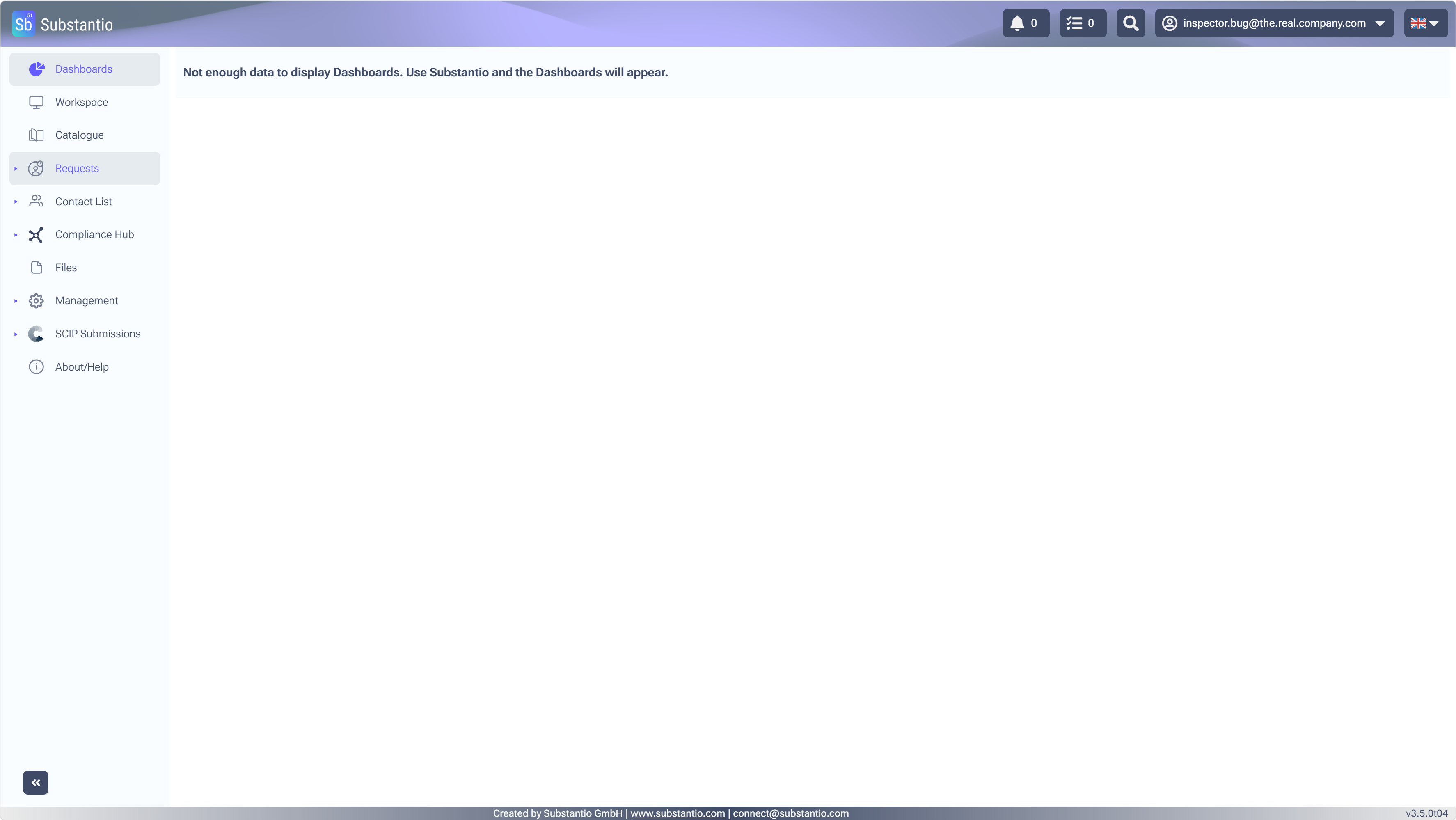
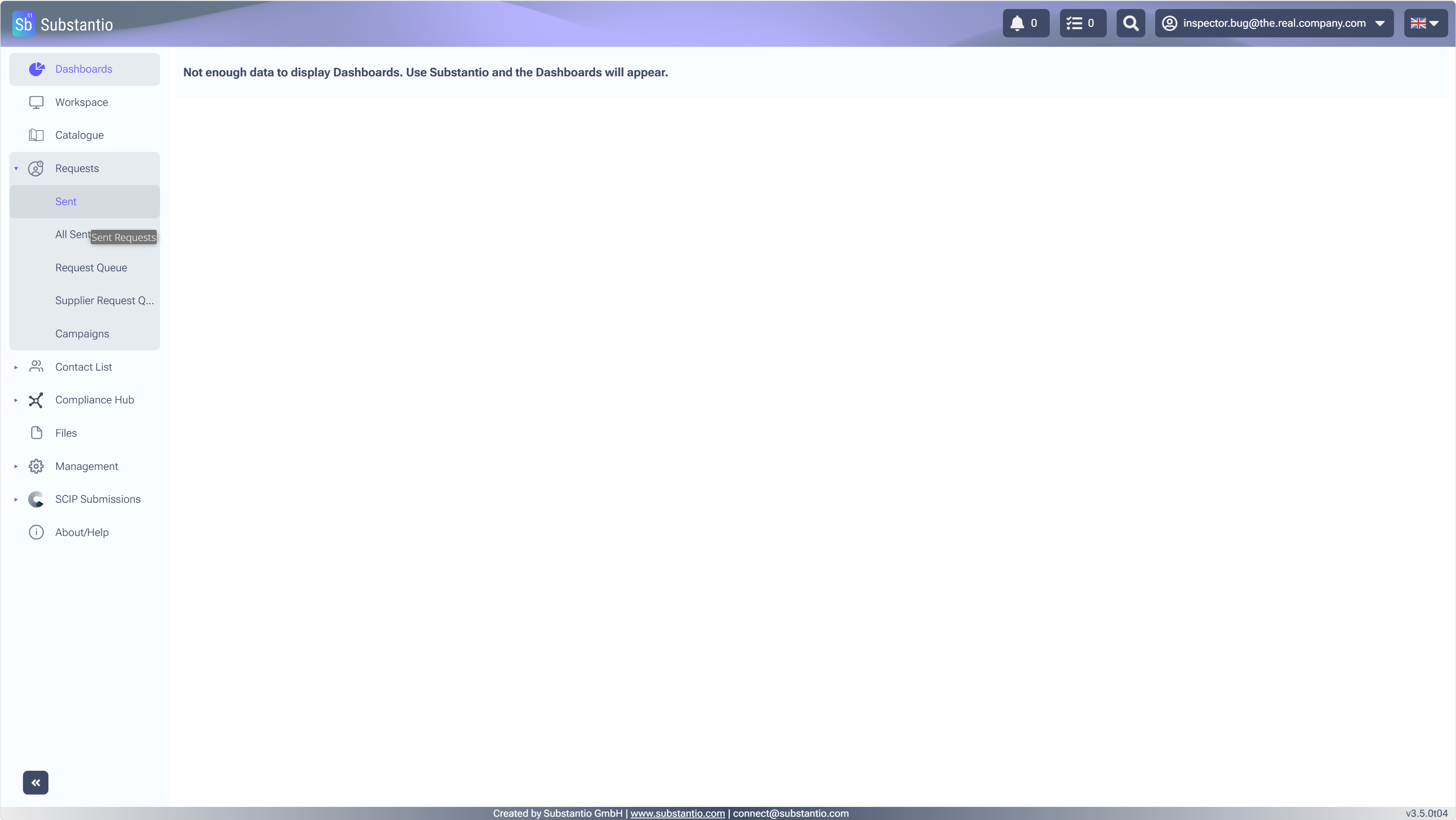
Select Requests to open the requests section.
2
/23


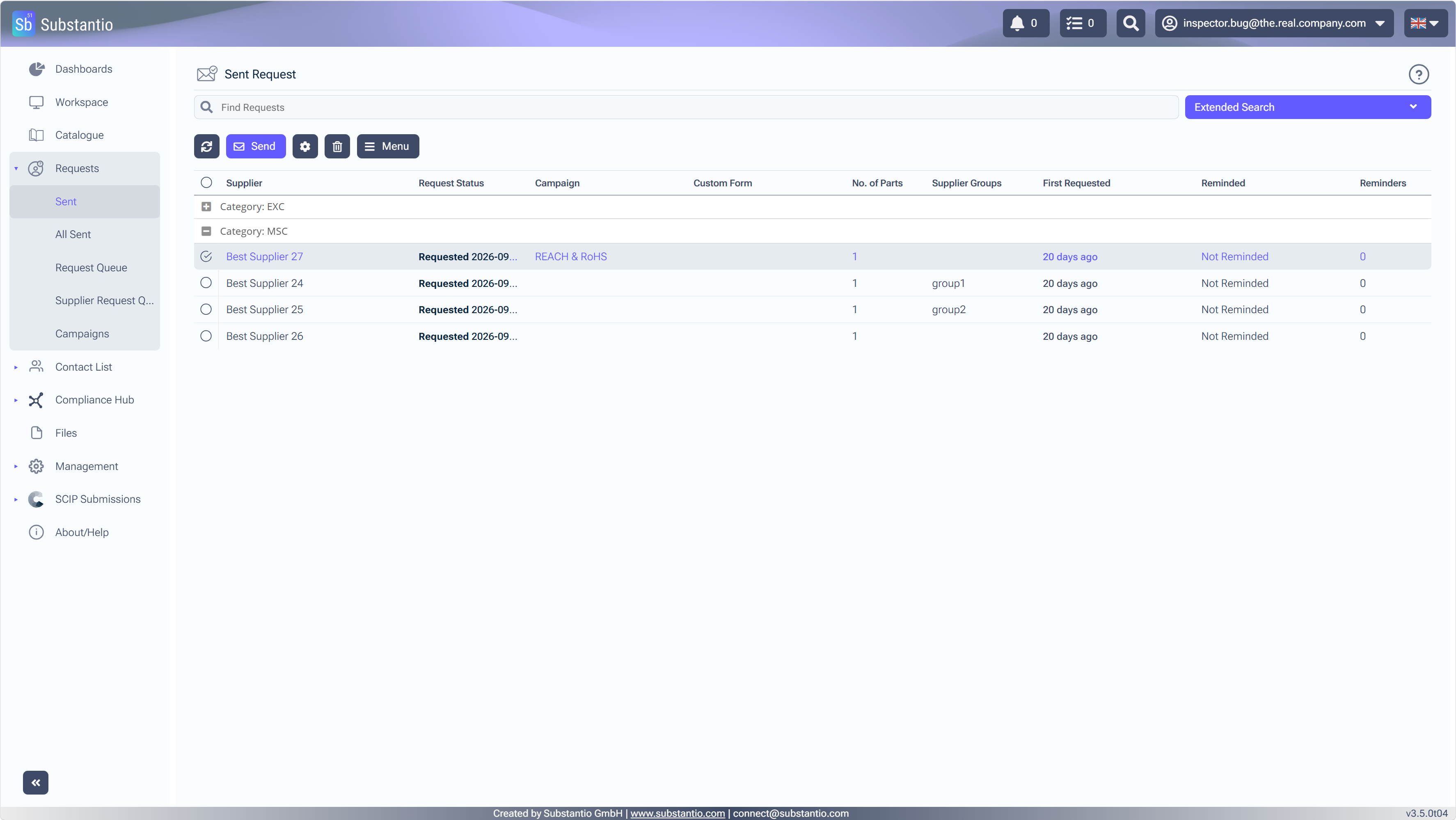
Select the Sent category to view the list of sent requests.
3
/23


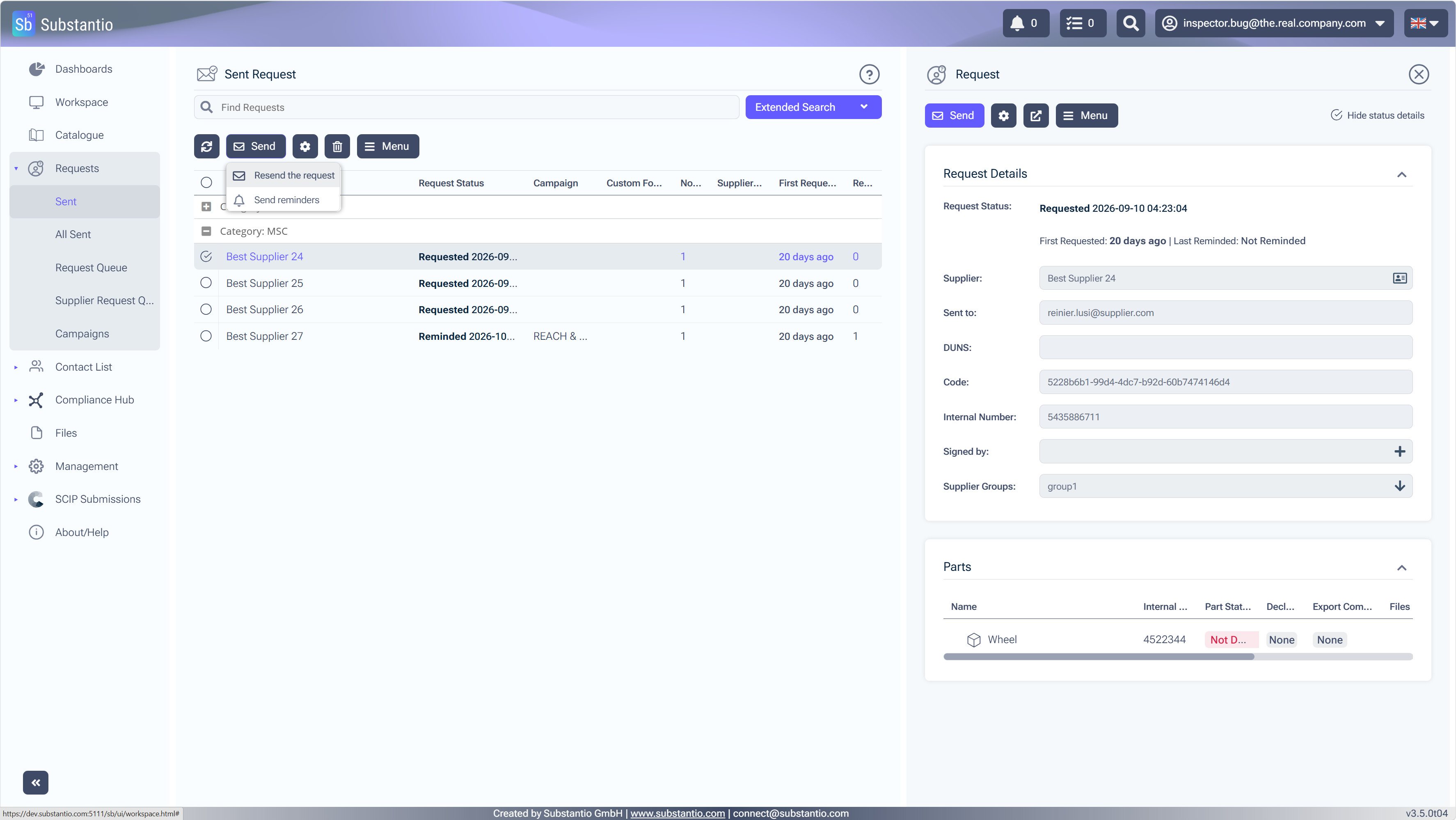
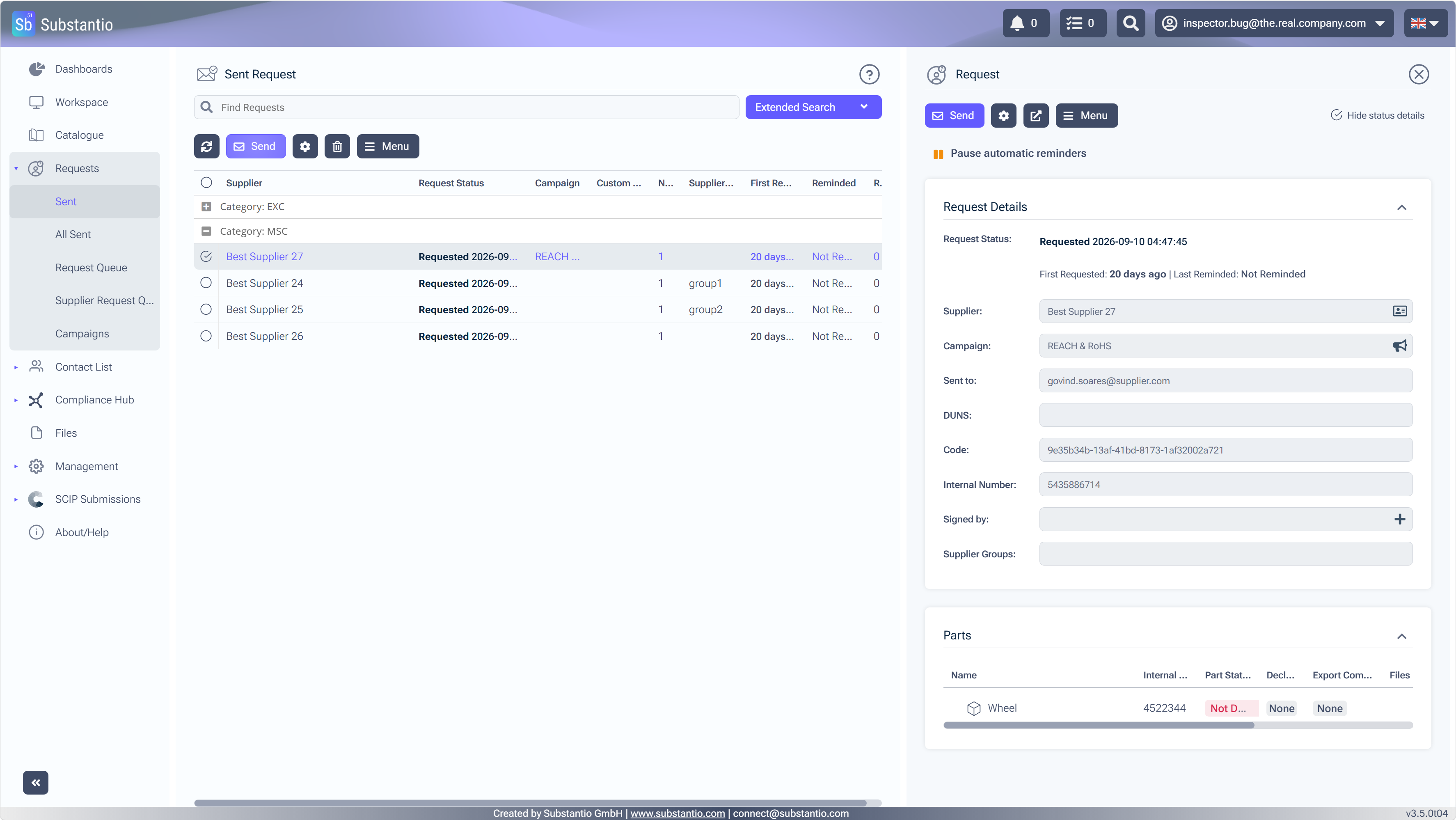
To send a reminder, select the request you want to remind.
4
/23


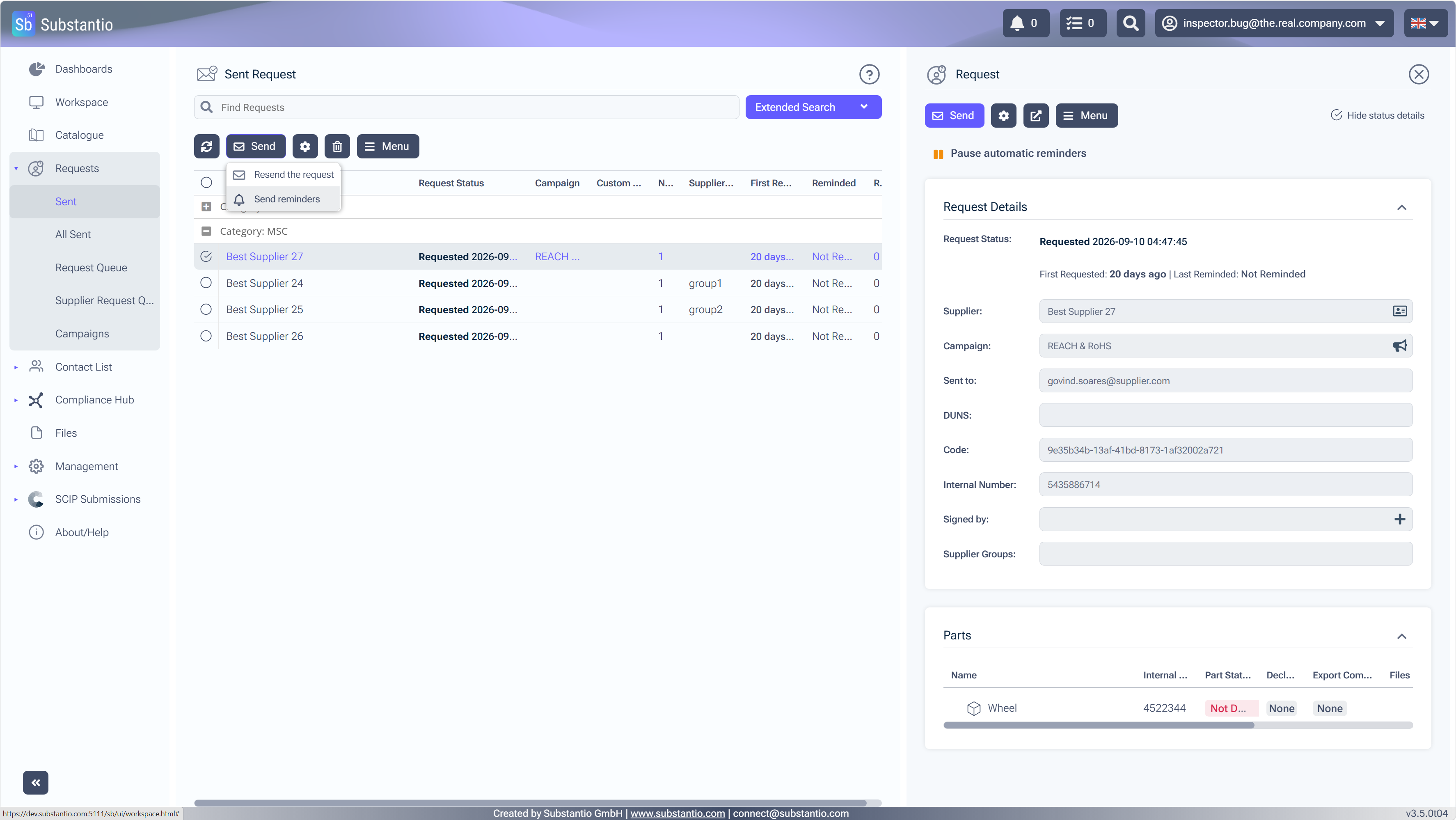
Select Send reminders from the menu to send a reminder to the supplier about the request.
5
/23


Select Send reminders from the menu to remind Supplier about their requests.
6
/23


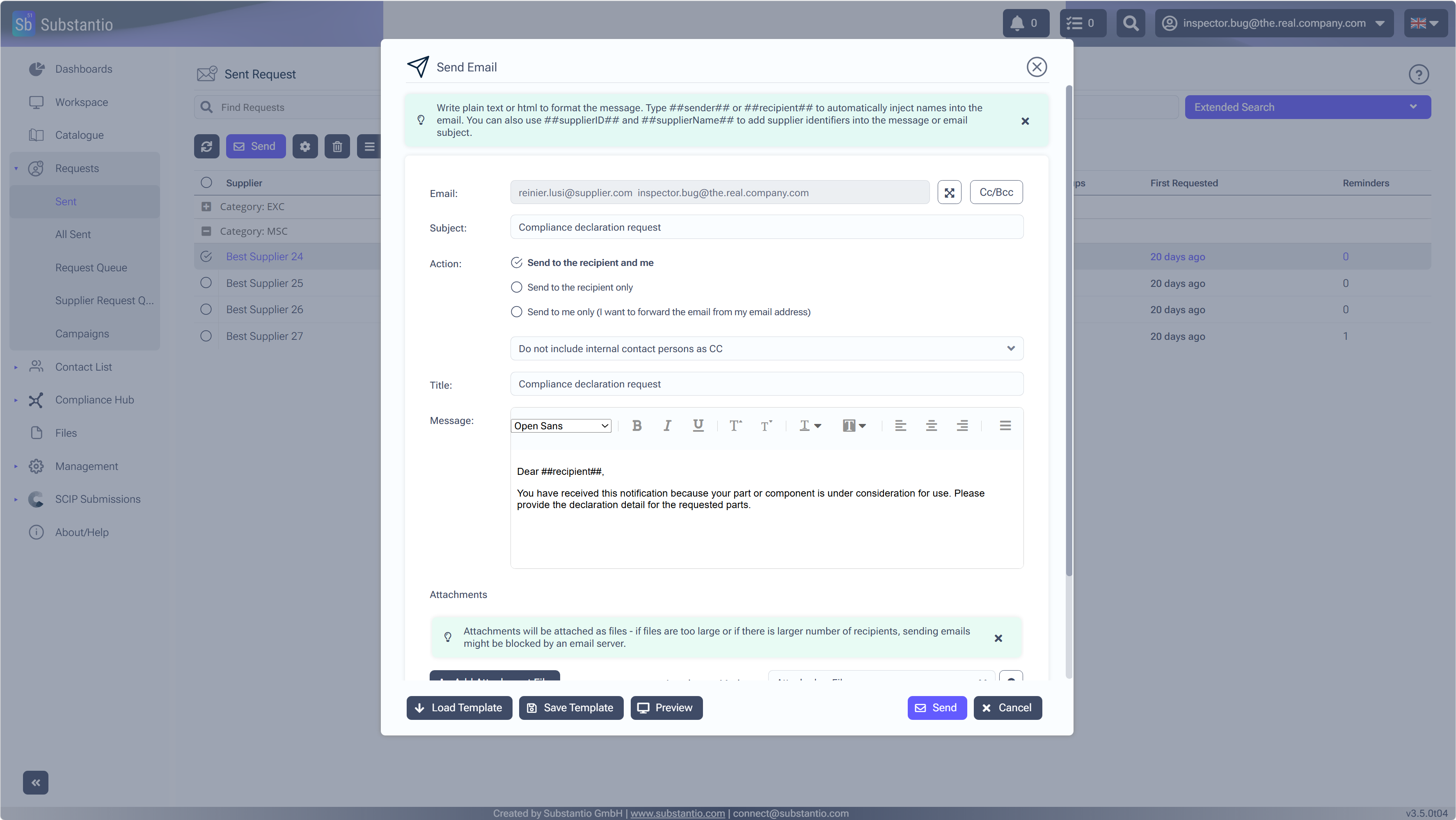
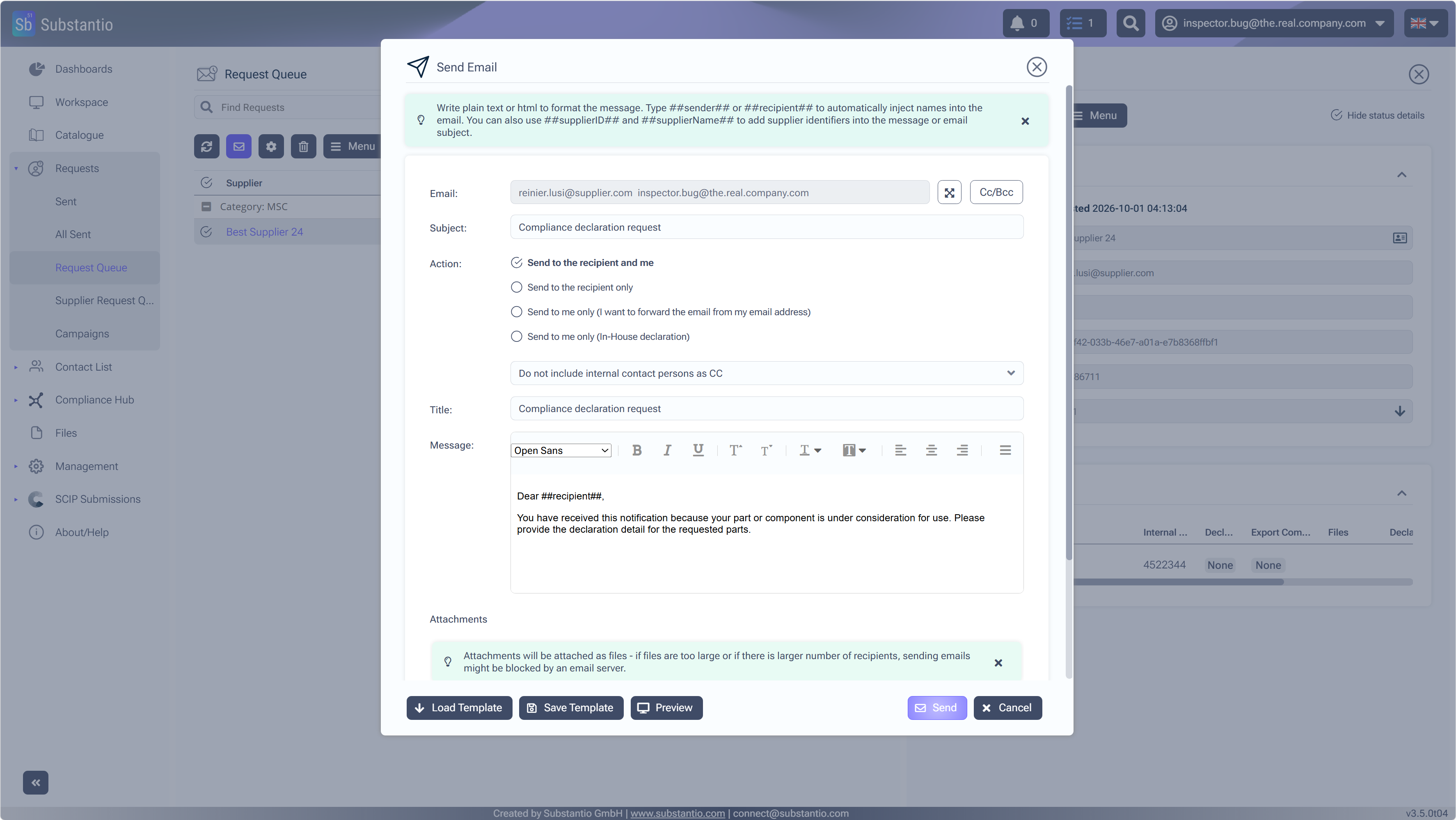
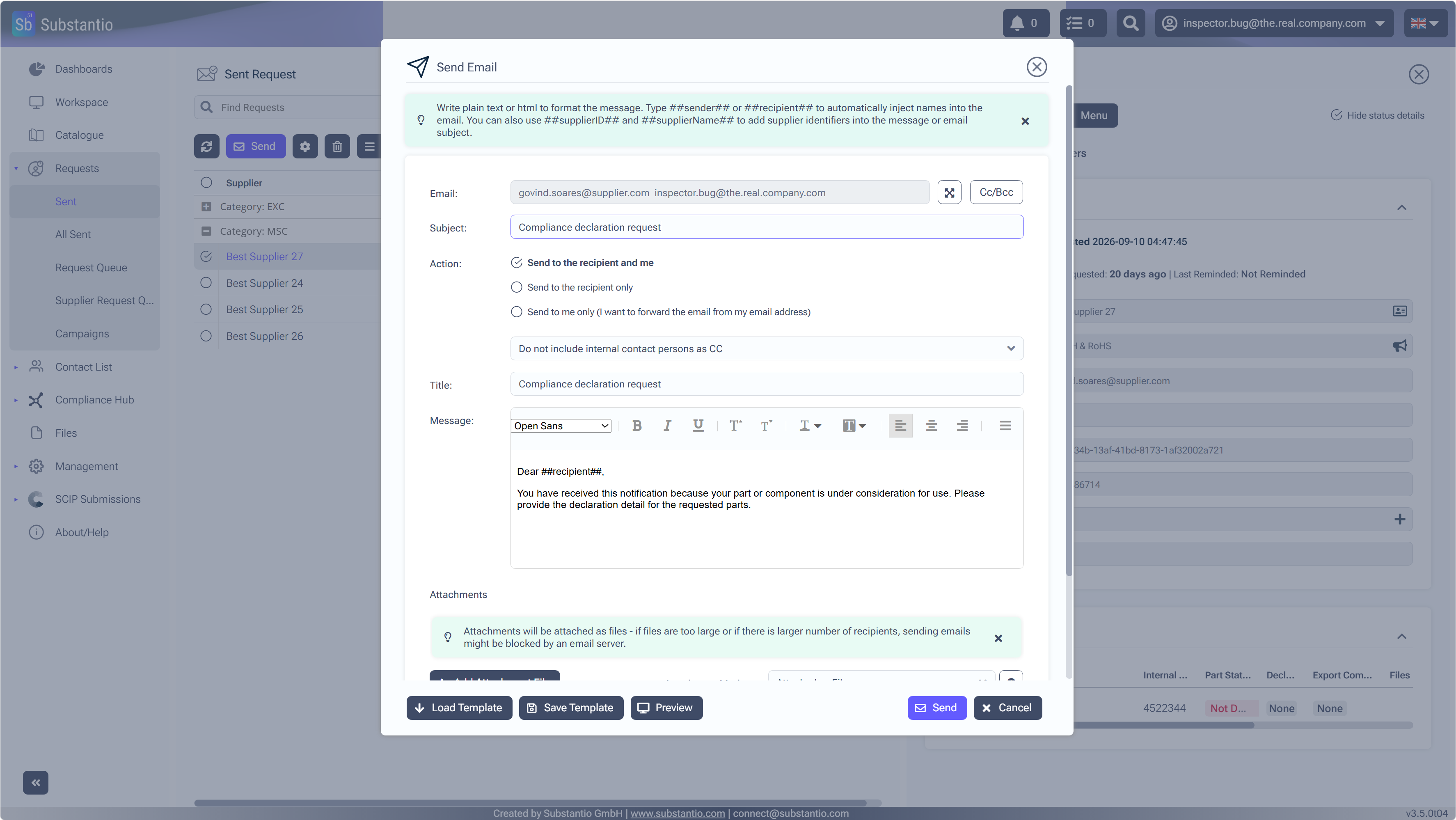
Enter all required information. For more details, refer to the Declaration Request Guide. You can also update the title and message text for the recipients. Once all changes are complete, click Send to send the request.
7
/23


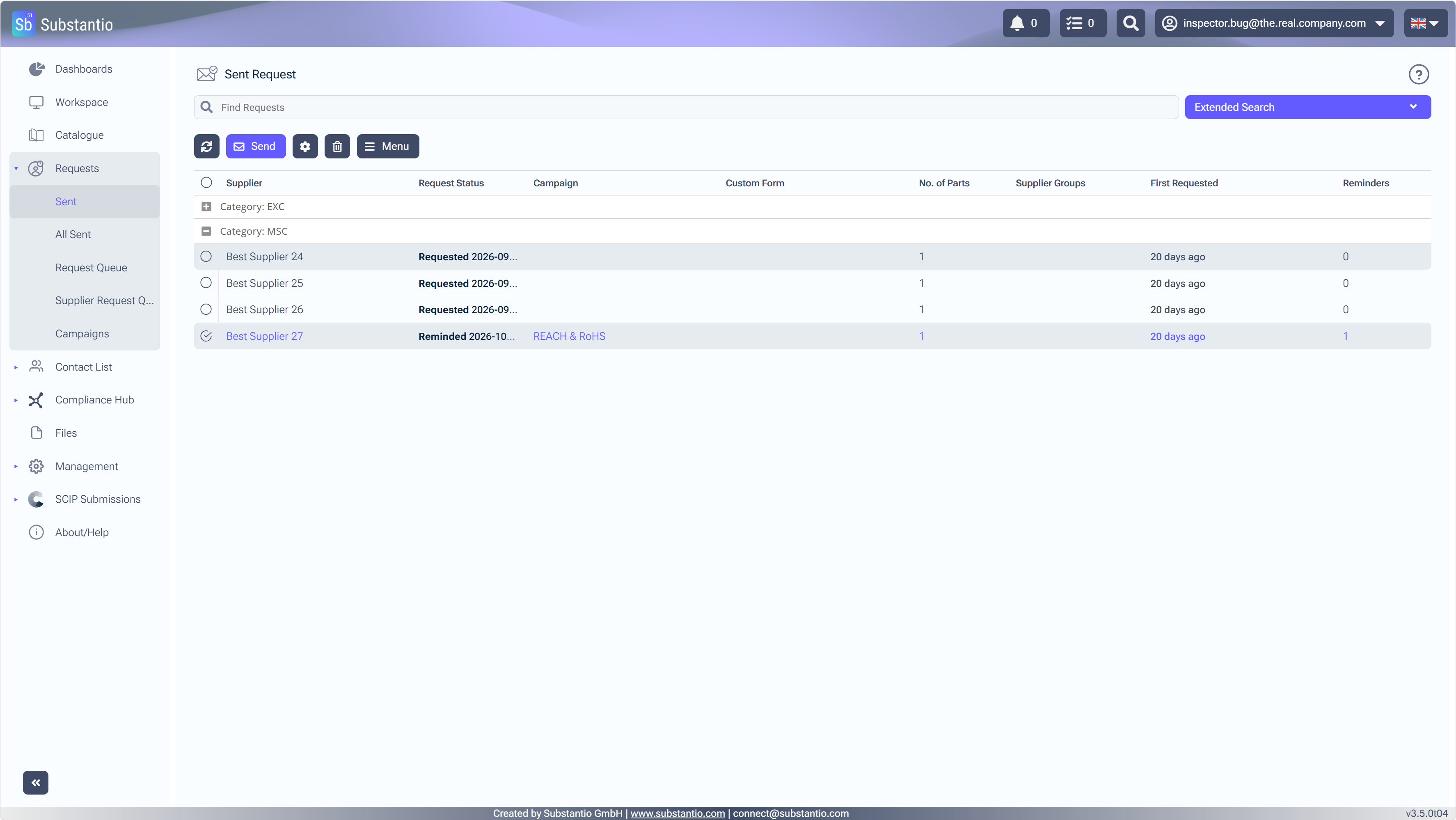
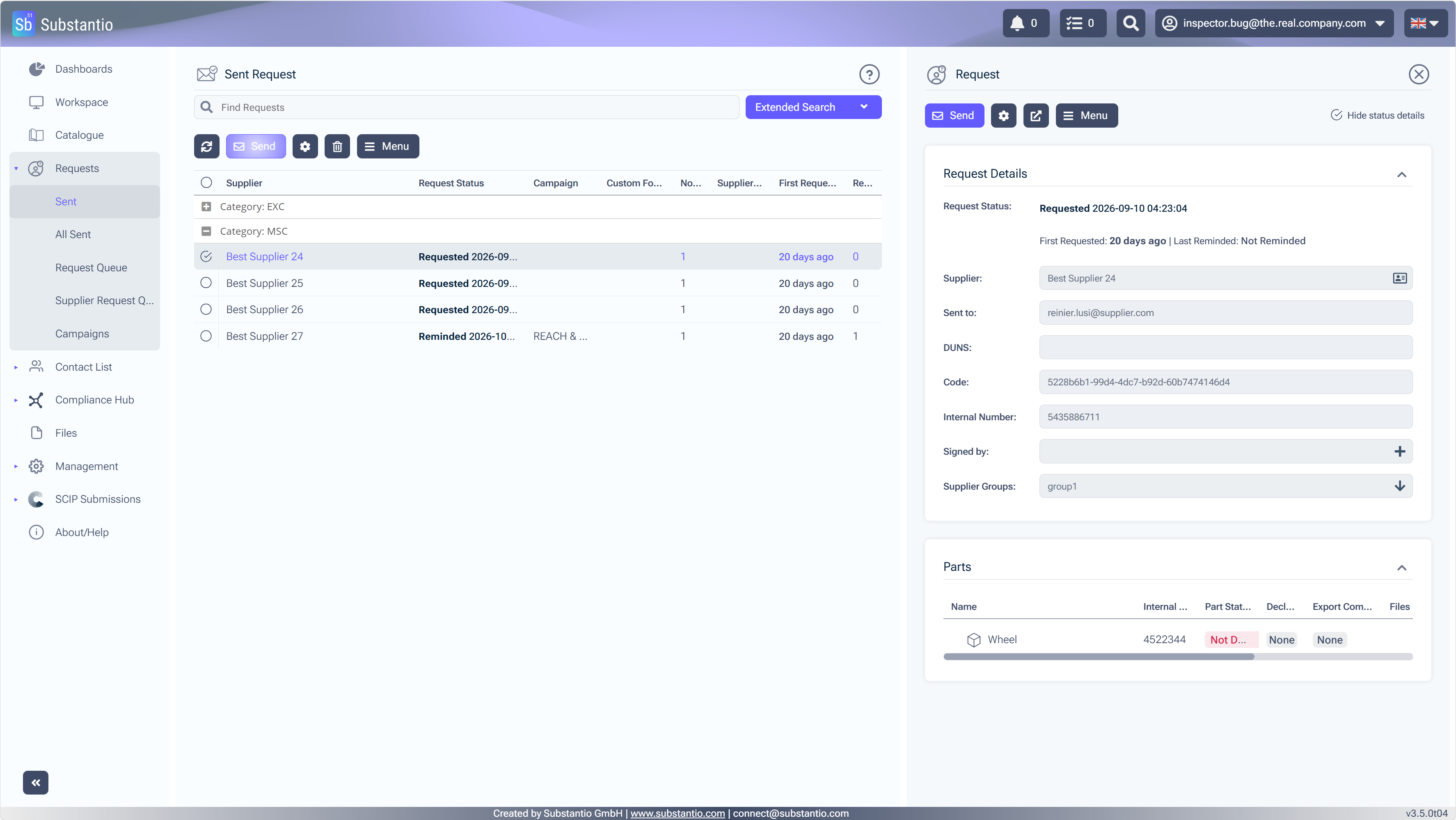
To resend a request, select the relevant part as well.
8
/23


Click Send to resend the request.
9
/23


SelectResend the request from the menu.
10
/23


Enter all required information. For more details, refer to the Declaration Request Guide. You can also update the title and message text for the recipients. Once all changes are complete, clickSendto send the request.
11
/23


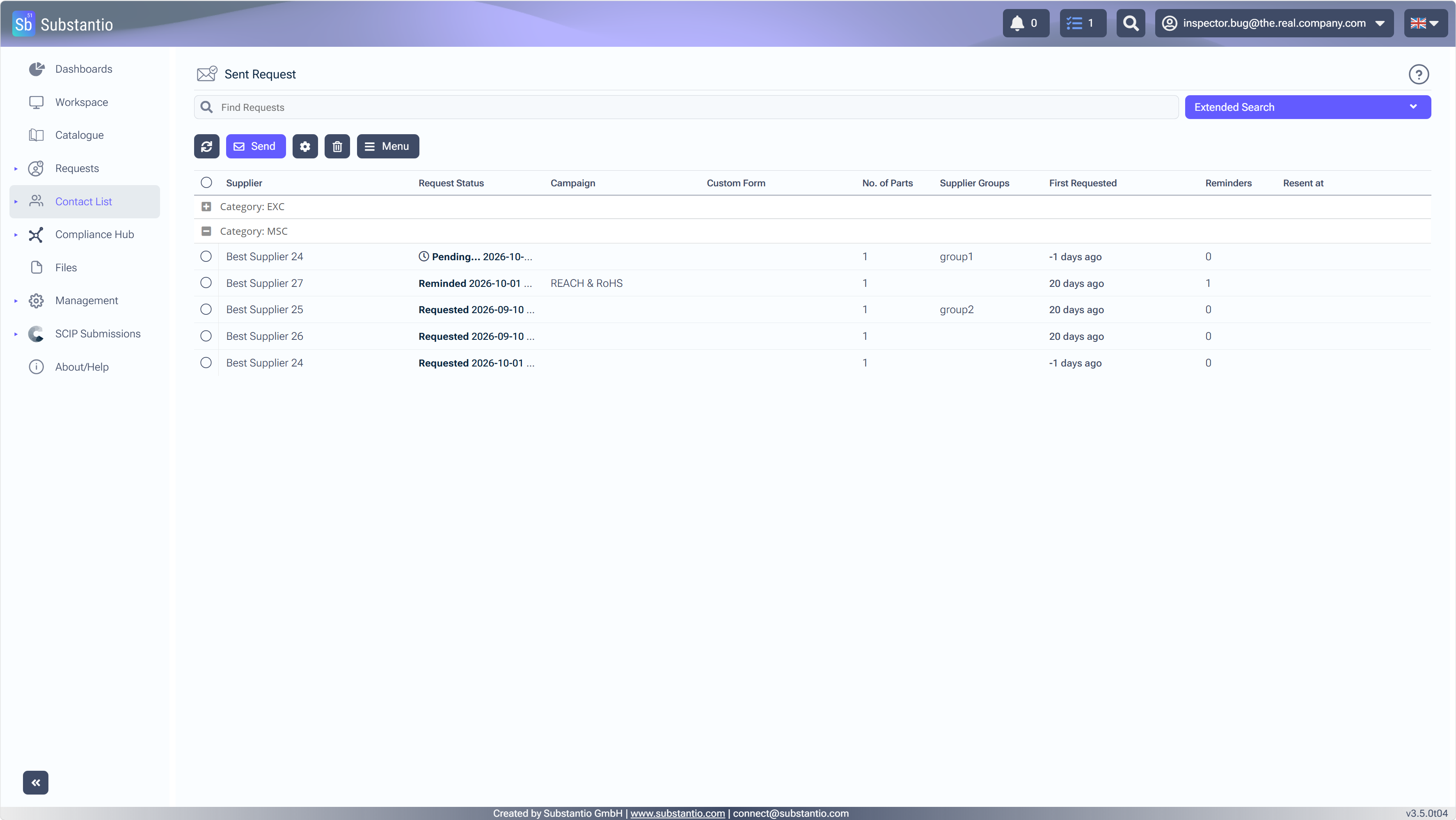
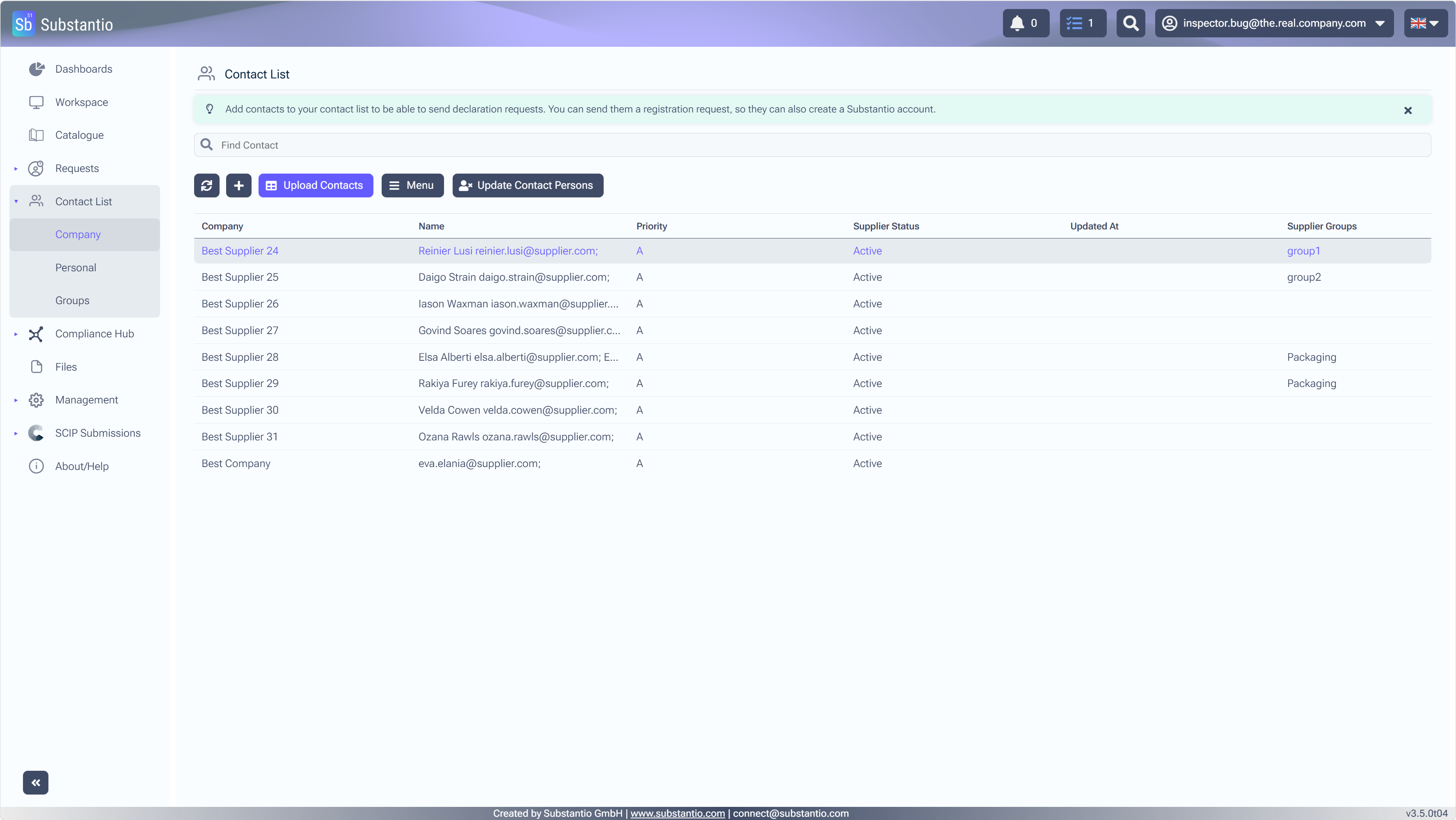
Navigate to theContact Listsection to view all saved contact information.
12
/23


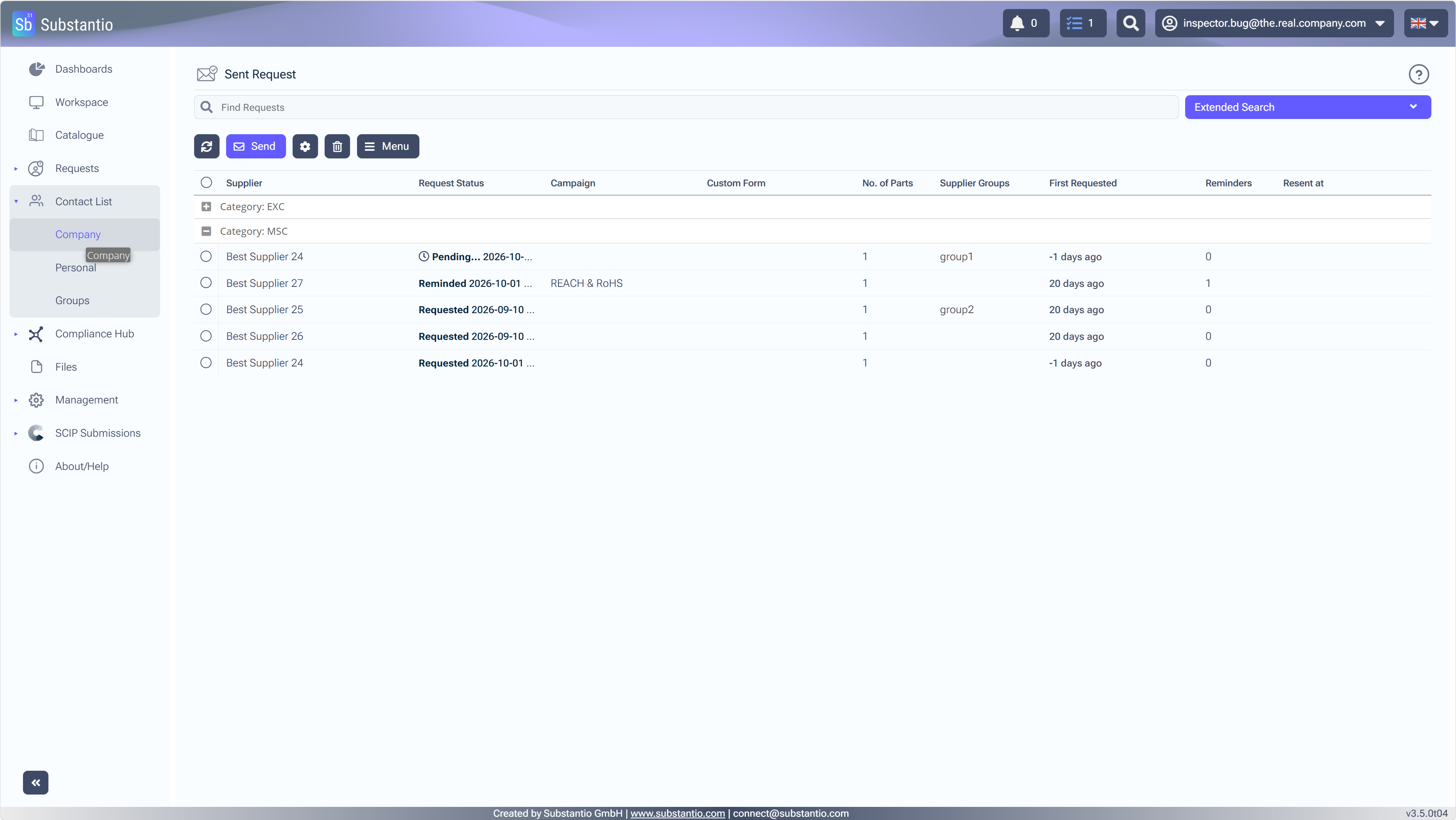
SelectCompany,to view all suppliers saved in Substantio.
13
/23


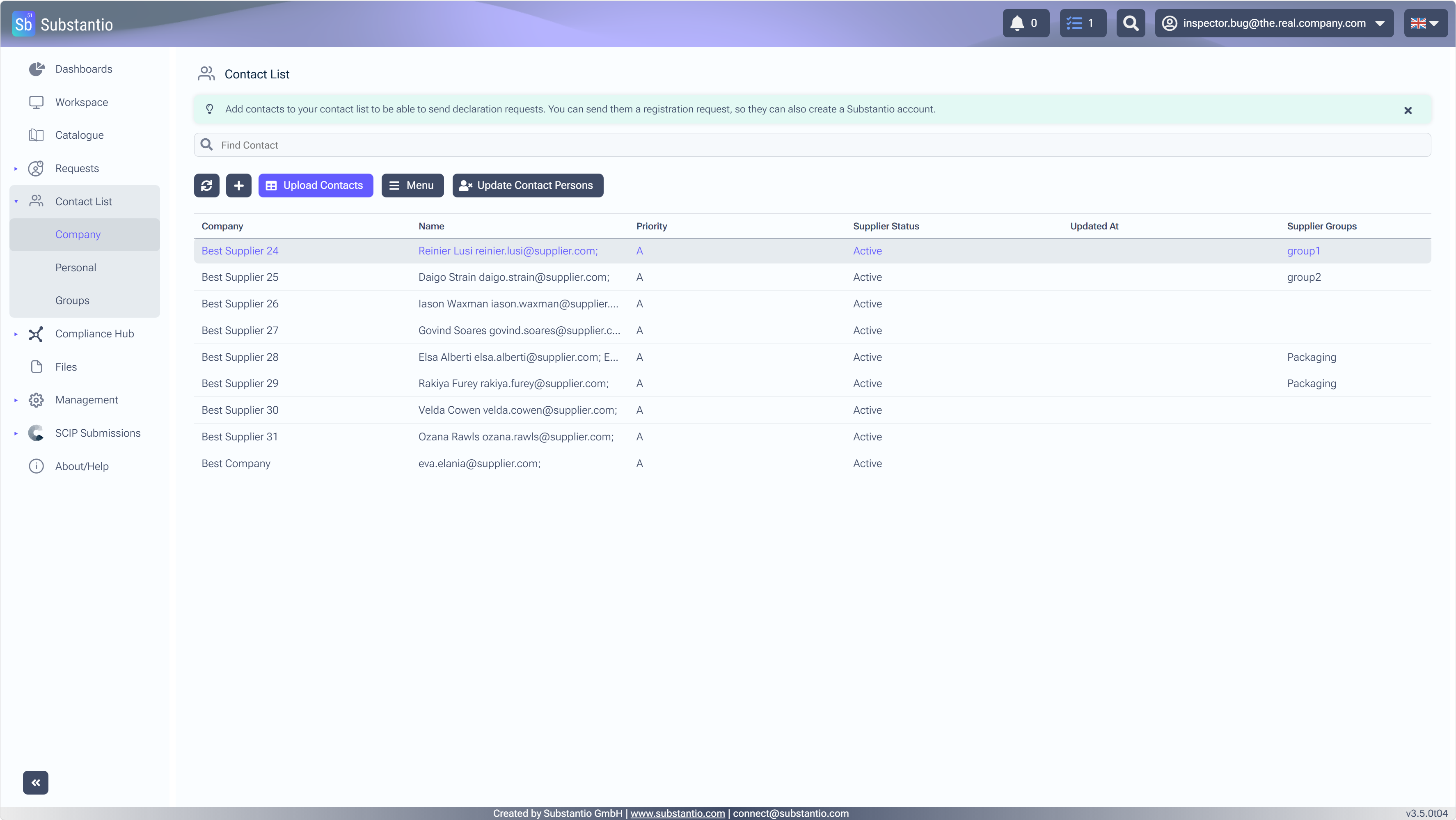
Choose the rightSupplier.
14
/23


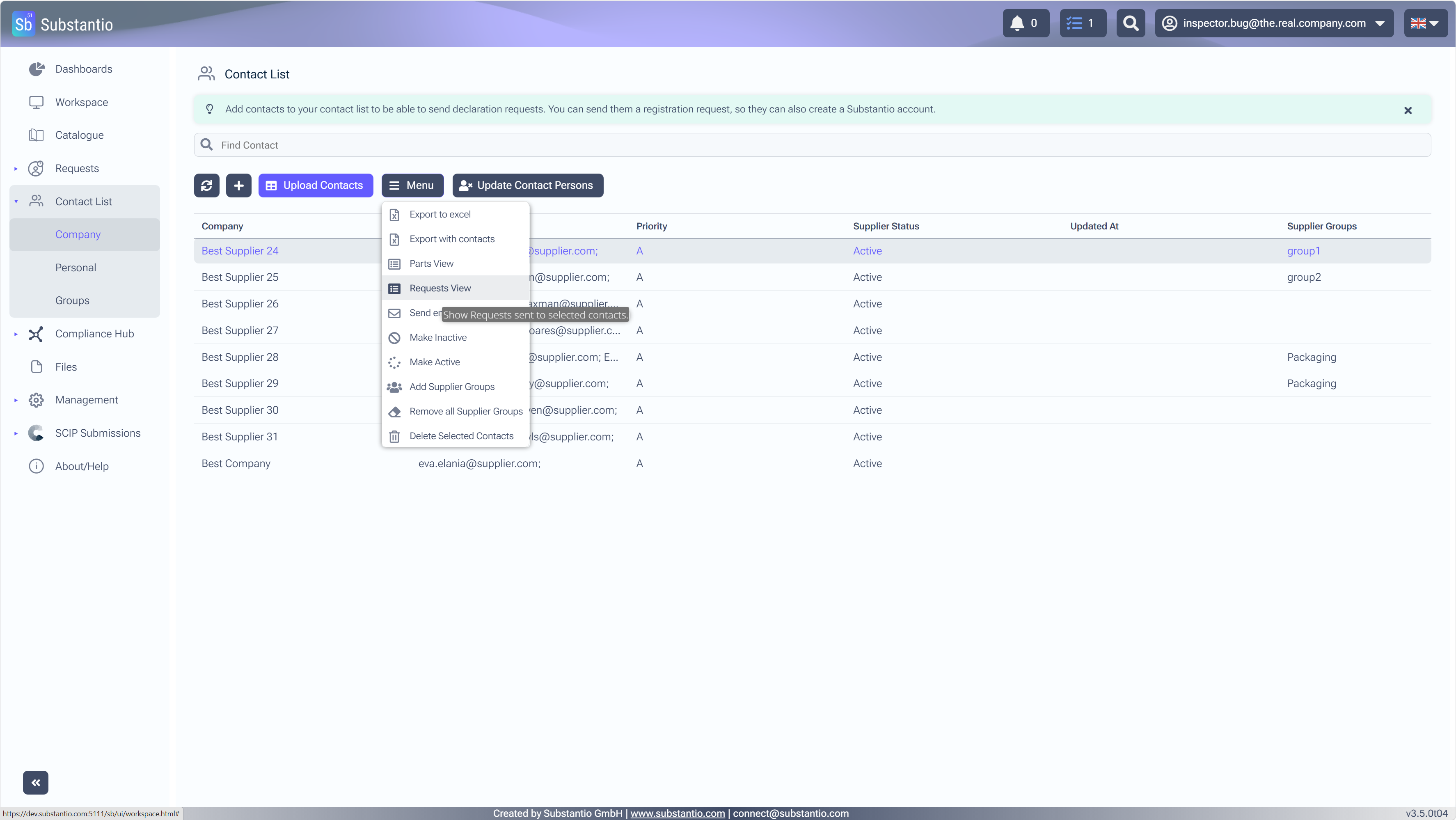
Click the Menu button to view additional options.
15
/23


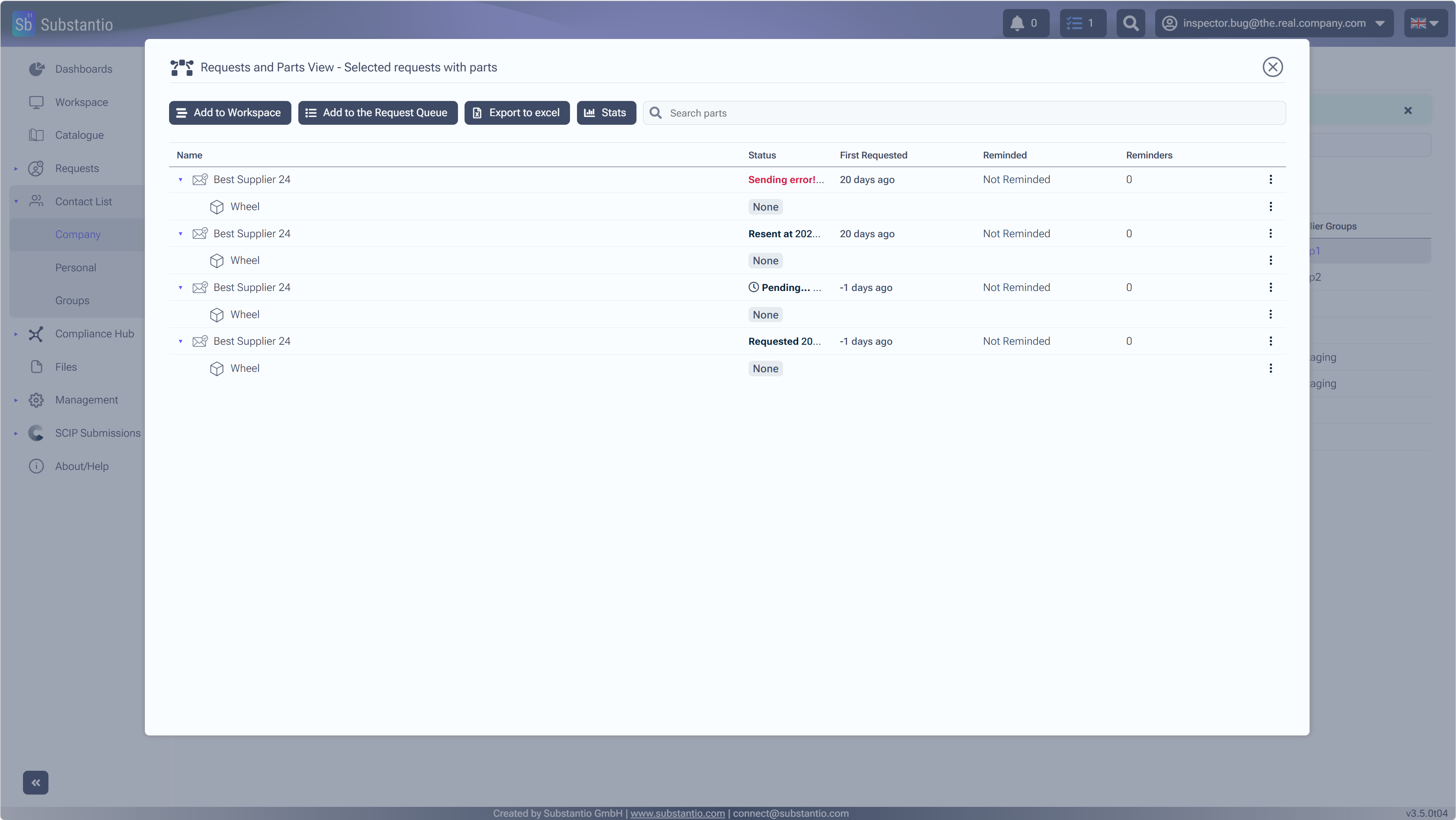
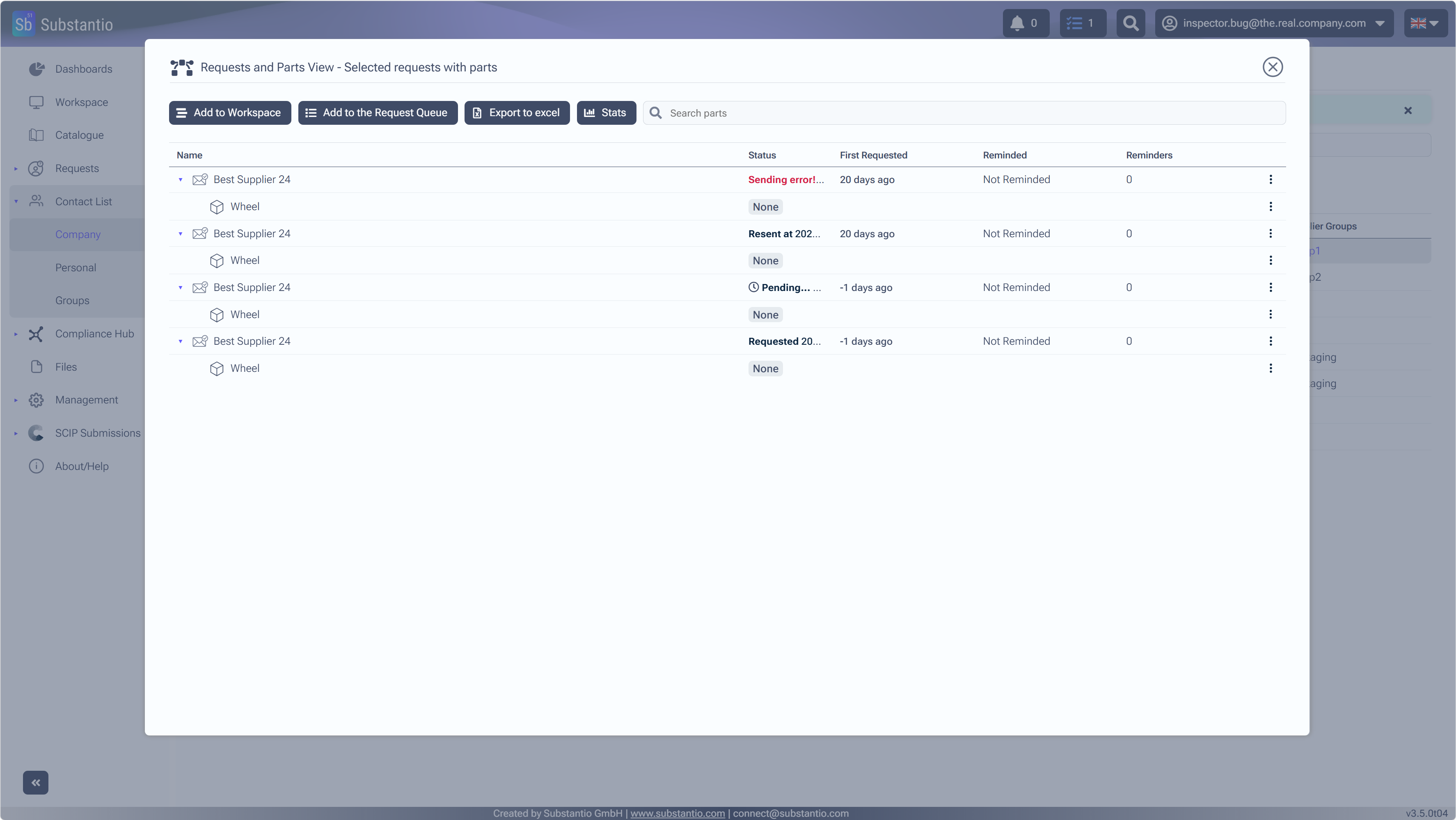
Select Requests View to see all requests you send to this Supplier.
16
/23


In this view, you can also check the current status of each request.
17
/23


Close the window to exit the view.
18
/23


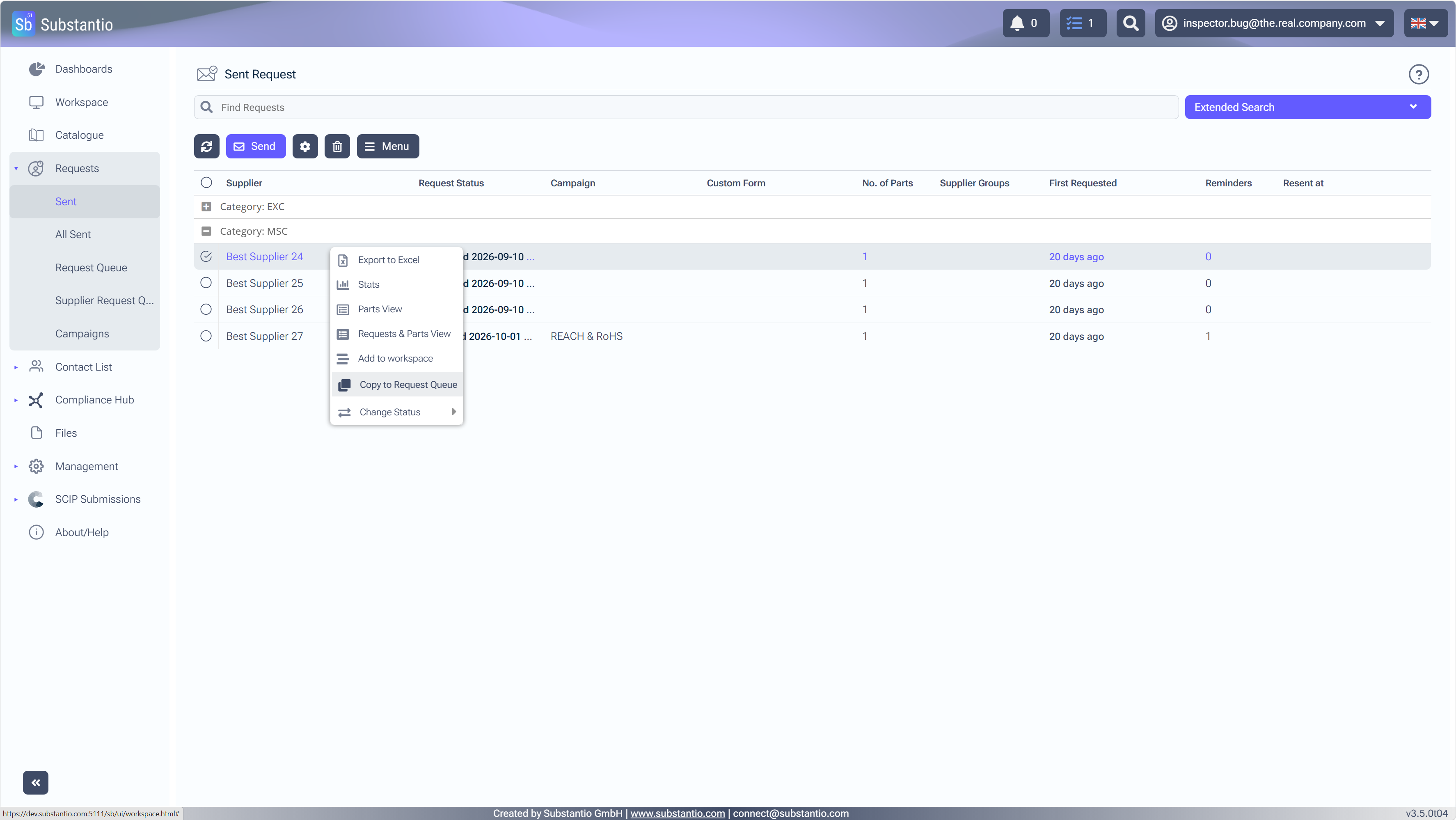
In Sent section, select Copy to Request Queue from the menu to add this Supplier to the queue.
19
/23


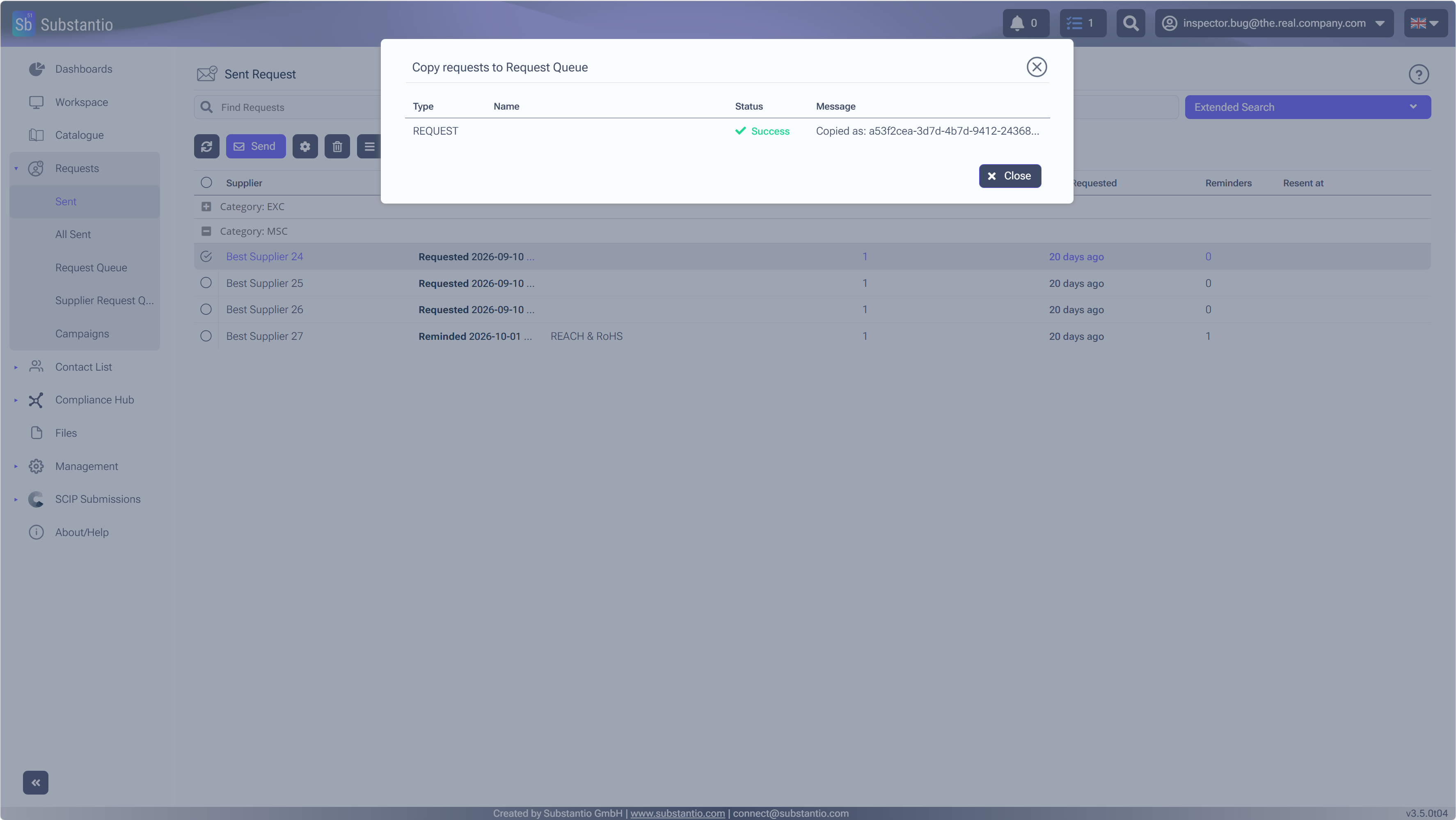
Once the system confirms that the supplier has been copied successfully, click Closeto exit the confirmation window.
20
/23


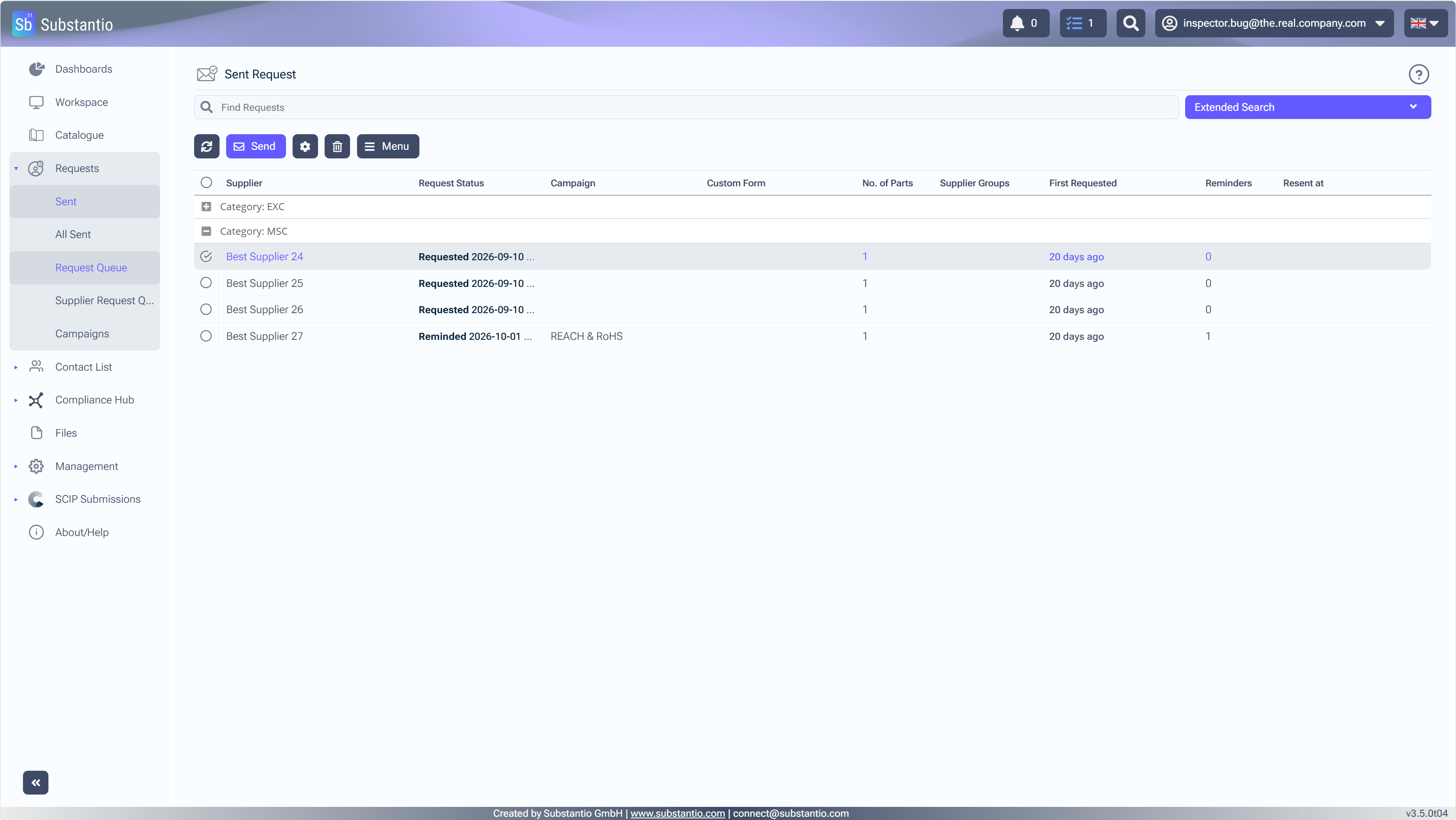
SelectRequest Queue from the menu to view all suppliers added to the queue.
21
/23


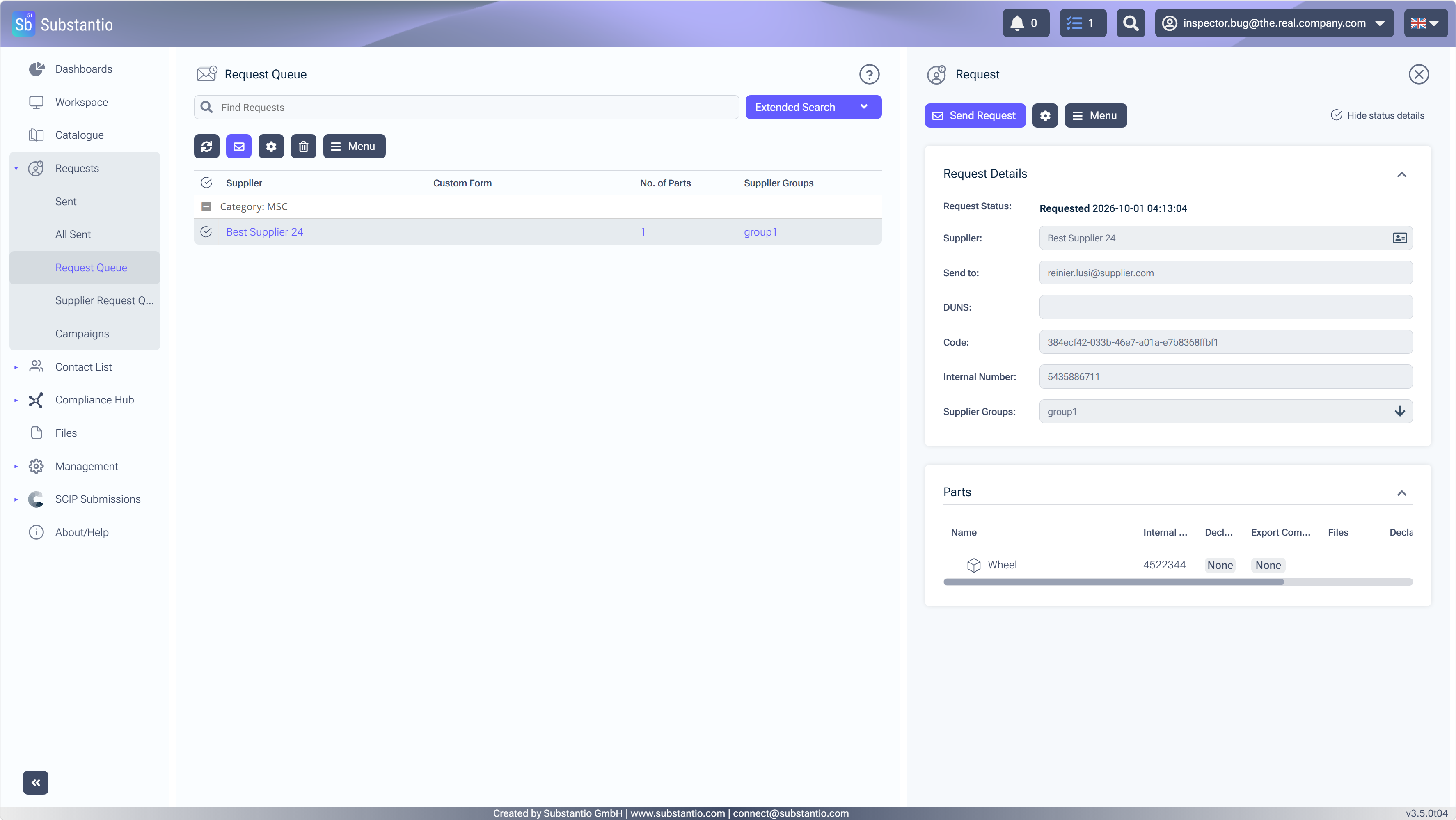
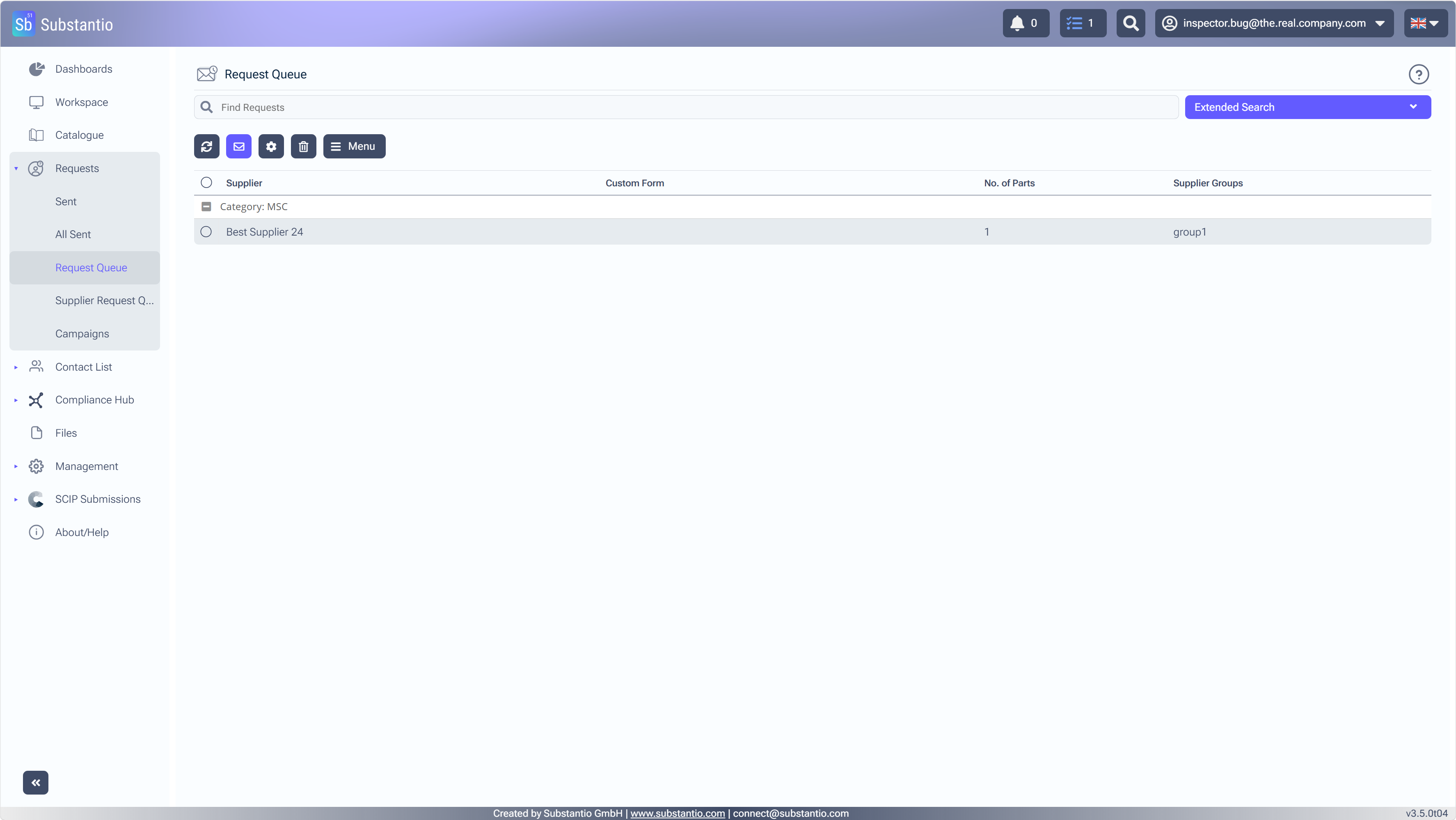
Select the supplier you want to send a request to.
22
/23


Click Send Request to prepare the request for sending.
23
/23


Enter all required information. For more details, refer to the Declaration Request Guide. You can also update the title and message text for the recipients. Once all changes are complete, clickSend to send the request.
Thank you!
Restart Tour